
Tipping Apps in the UK Compared: Fees, Payouts and Who Pays
Looking for a tipping app? The first thing to know is that “tipping app” covers very different tools. Some are tip pages that customers reach with a QR code. Some are card readers that happen to take tips. Some are payment links, and some only work inside a delivery or taxi app. Which one is right depends on who you are, who pays the fees, and whether your customers will download anything.
This comparison covers the options UK workers actually use, with each provider’s own published fees. Fees change, so we’ve dated every figure and linked the source. Everything below was checked in November 2026.
The short answer
- Buskers, guides, hairdressers and other solo workers usually do best with a QR tip page. Nobody has to install an app, and the tipper pays by card or phone.
- Venues with a team need tip pooling and payroll features, which business plans such as TiPJAR’s charge a monthly fee for.
- A card reader works if you already take payments for your service, but you pay a percentage on every tip.
- PayPal is free between friends, but tips for a service sit awkwardly in its personal-payments rules.
- Delivery riders and drivers are tipped inside the platform’s own app, so a separate tool rarely helps.
What to compare
Four questions decide which tool fits:
- Does the tipper need an app or account? Every extra step loses tips. People scanning a QR code in the street won’t download an app first.
- Who pays the fees, and how much? Some tools deduct fees from your tip. Others add a fee on top for the tipper, so you receive the full amount.
- How fast do you get paid? Payout timing ranges from a few days to weekly, depending on the provider.
- Can a team share tips? Bands, salons and restaurant teams need tips split fairly, not paid to one person.
Tipping apps compared
| Option | Best for | Tipper needs an app? | Who pays the fees | Notes |
|---|---|---|---|---|
| Tippidy | Solo workers and small teams | No. Scan a QR code and pay by card, Apple Pay or Google Pay | Tipper pays a small platform fee that includes card processing; you keep 100% of the tip1 | Free tip page; crews split tips between members1 |
| TiPJAR (personal) | Performers and individual workers | No. Scan or tap and pay | Tipper covers card fees plus a 4% TiPJAR fee; you receive 100% of the tip2 | Open banking option with a 0.2% processing cost3 |
| TiPJAR (business) | Hospitality venues | No | Venue pays a software licence from £65 a month per site4 | Tap to Tip devices and tronc features |
| Card reader (e.g. SumUp) | Workers who already take card payments | No, but they must tap a card or phone | You pay 1.69% per in-person payment on the standard plan5 | Reader from £25 plus VAT (Solo Lite)5 |
| Stripe Payment Links | Workers with a business set-up | No | You pay 1.5% + 20p for standard UK cards6 | Higher rates for premium, EU and international cards6 |
| PayPal | People tipping friends | Usually a PayPal account | Friends and Family is free in GBP from balance or bank; Goods and Services costs you 2.9% + 30p7 | Friends and Family is for personal payments, not paying for a service8 |
| Uber, Deliveroo, Just Eat | Drivers and riders | Uses the platform’s app | Set by the platform | Only works for jobs booked through that platform |
Other names appear in search results too. tippl, for example, is aimed at Canada. Check that any tool supports UK bank payouts and pounds before you sign up.
QR tip pages: the simplest option for solo workers
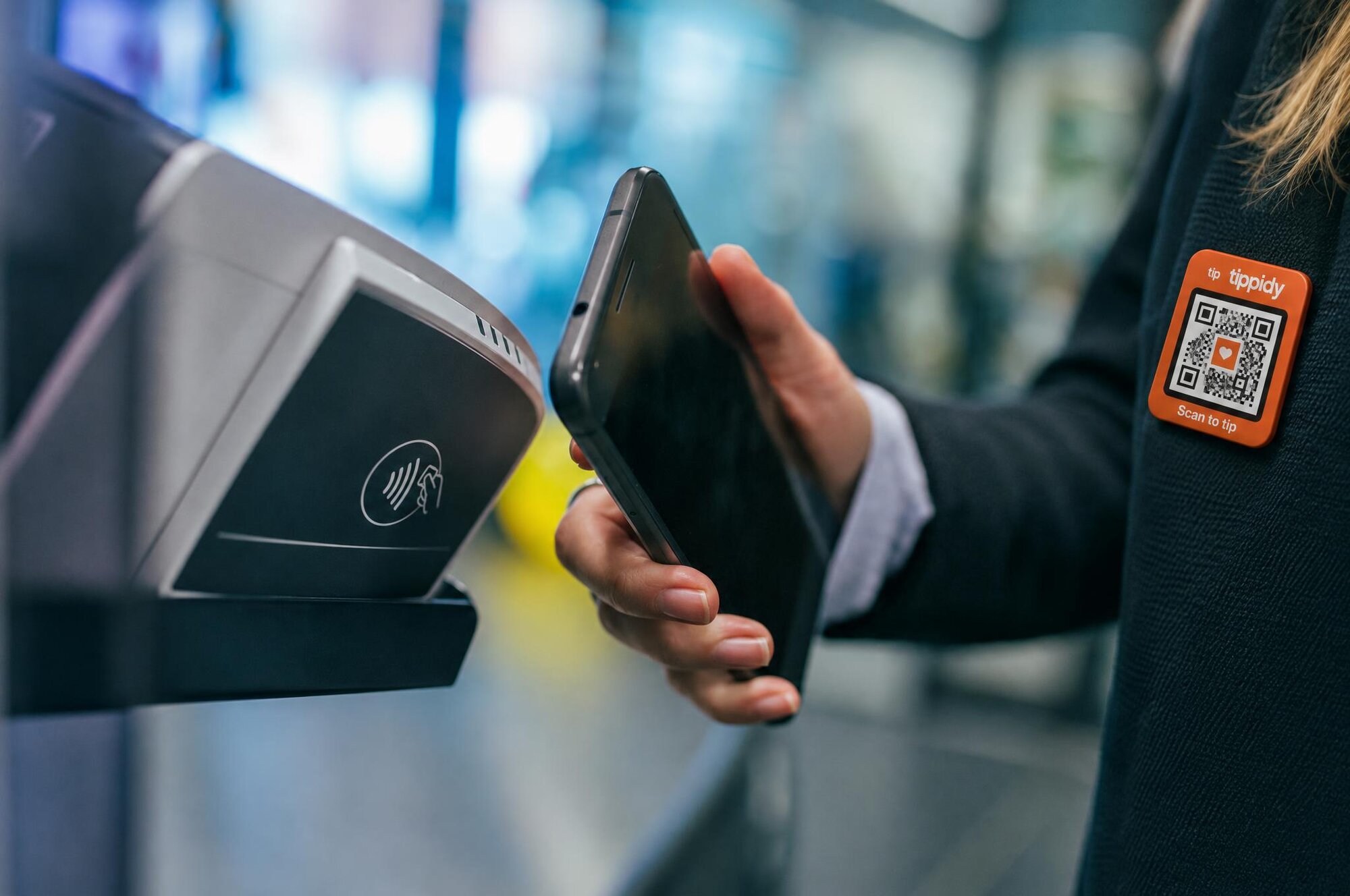
A QR tip page is a personal web page with a payment form. You print the QR code on a card, your guitar case or a lanyard. The customer scans it with their phone camera, chooses an amount and pays with Apple Pay, Google Pay or a card. There’s nothing to install on either side.
This matters most where tipping is spontaneous: a busker’s pitch, the end of a walking tour, a hairdresser’s chair. The fewer steps between “I’d like to tip” and “done”, the more people follow through. If you want the legal side of busking covered too, our guide to busking licences in the UK lists the rules city by city.
The main difference between QR tools is who pays the fees. With both Tippidy and TiPJAR’s personal accounts, the tipper covers the fees and the worker receives the whole tip.12 With a card reader or payment link, the fee comes out of what you receive.56
Card readers and payment links
If you already take card payments for your service, a card reader can take tips as well. SumUp’s standard UK rate is 1.69% per in-person transaction, and its cheapest reader is listed at £25 plus VAT.5 The trade-off is that you carry and charge a device, you need a data connection, and every tip loses a percentage.
Stripe Payment Links avoid the hardware. Stripe’s standard UK rate is 1.5% + 20p for standard UK cards, with higher rates for premium and non-UK cards.6 On a £2 tip, a 20p fixed fee alone takes 10%, so small tips suffer most.
PayPal
PayPal is familiar, and Friends and Family payments within the UK in pounds carry no fee when paid from a PayPal balance or bank account.7 But PayPal defines Friends and Family as personal payments that aren’t for goods or services.8 A tip for a haircut or a tour is payment linked to a service, so Goods and Services is the safer category, and that costs the recipient 2.9% + 30p in the UK.7 Most tippers also need a PayPal account, which adds a step.
Team tipping in venues
Restaurants, bars and hotels have different needs: pooling tips across shifts, fair splits between front and back of house, and payroll or tronc reporting. Venue platforms such as TiPJAR charge a monthly software fee for this, starting at £65 per site.4 Our guides to tronc schemes and fair tip pooling explain the rules venues need to follow.
For a smaller team, such as a band, a salon’s stylists or a group of guides, a shared tip page can be enough. With Tippidy, a crew page splits each tip between members automatically.
How to choose
- Work out who tips you and where. Street and face-to-face tips favour QR pages. Platform jobs use the platform’s own tipping.
- Check who pays the fees. Compare what you receive from a £2 or £5 tip, not just the headline rate.
- Test the tipper’s journey. Scan your own code on a phone that has never used the service. Count the taps.
- Check payouts. Confirm the tool pays out to a UK bank account in pounds, and how often.
- Think about teams early. If you share tips, choose a tool that splits them rather than moving money by hand.
Where Tippidy fits
Tippidy is built for people who are tipped face to face: buskers, guides, hairdressers, baristas and hospitality staff. Your tip page and QR code are free. Tippers pay with Apple Pay, Google Pay or a card, with no app to install, and cover a small platform fee at checkout that includes card processing, so you keep 100% of every tip.1 Crews let a team share one page and split tips between members.
Create your free tip page and test the tipper’s journey yourself.
- ↩
Tippidy, homepage and pricing. https://tippidy.com
- ↩
TiPJAR, “TipJar Personal FAQ – Common Questions”. https://www.wearetipjar.com/?p=695
- ↩
TiPJAR, “How much does TiPJAR charge?”. https://www.wearetipjar.com/?p=31069
- ↩
TiPJAR, “Pricing”. https://www.wearetipjar.com/pricing
- ↩
SumUp, “Best card readers and card payment machines for UK small businesses (2026)”. https://www.sumup.com/en-gb/compare/best-card-readers/
- ↩
Stripe, “Pricing” (United Kingdom). https://stripe.com/gb/pricing
- ↩
PayPal, “PayPal consumer fees” (United Kingdom). https://www.paypal.com/uk/webapps/mpp/paypal-fees
- ↩
Wise, “PayPal Friends and Family feature in the UK”. https://wise.com/gb/blog/paypal-friends-and-family
Ovaj članak je dio naše cjeloviti vodič za digitalne napojnice — saznajte kako primiti napojnicu karticom, Apple Pay-om ili Google Pay-om.
Komentari (0)
Prijava za ostavljanje komentara.
Povezani članci


Počnite primati digitalne napojnice danas
Create your free Tippidy tip page, add it to Apple Wallet and Google Wallet, and let guests tip you in seconds with Apple Pay, Google Pay or any card — no app, weekly payouts to your bank.
Radi s Apple Wallet i Google Wallet · Nema mjesečnih naknada