
QR-Code Tip Jars Explained
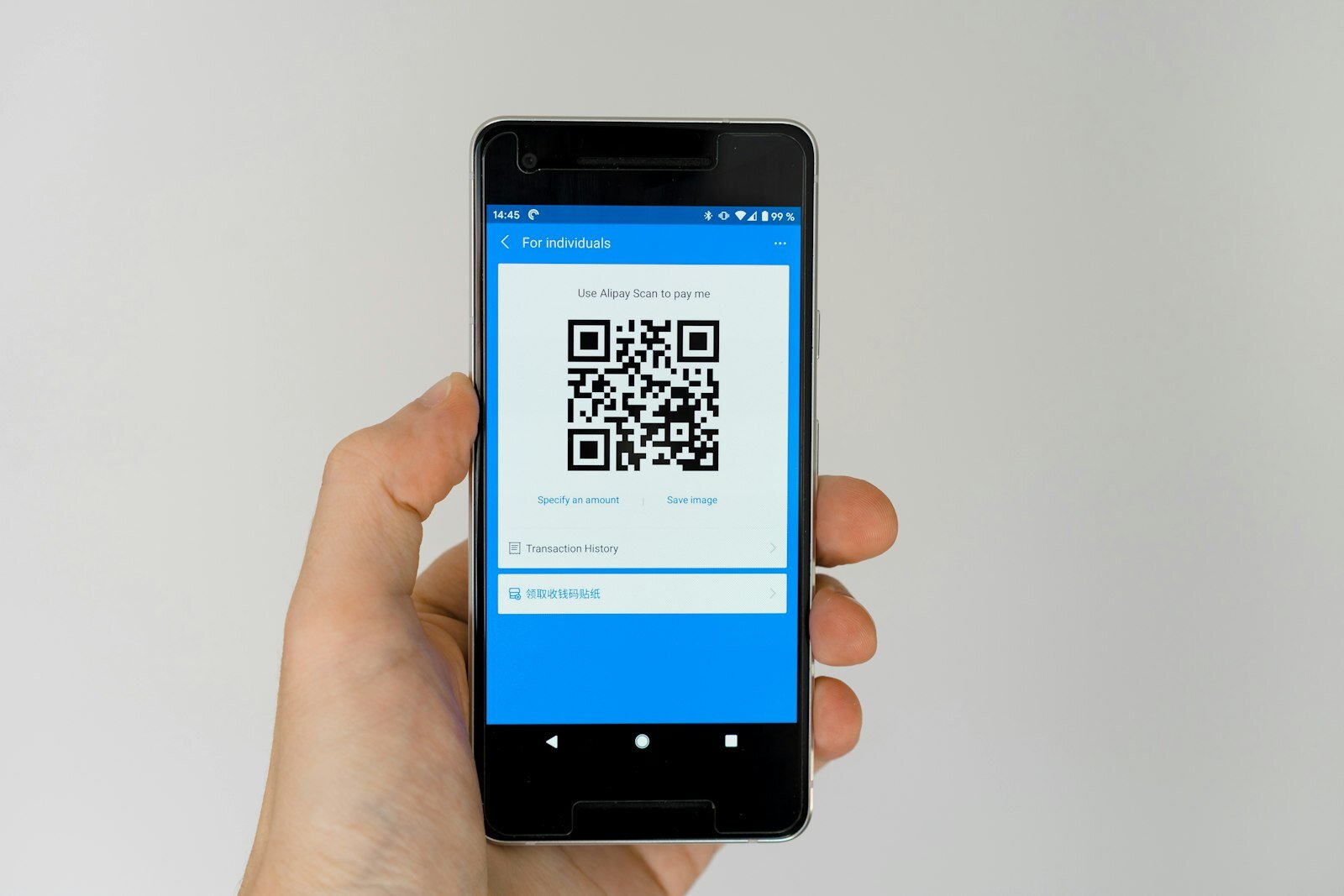
The glass jar by the till — sometimes filled with coins to suggest that others have already tipped, sometimes conspicuously empty, always slightly awkward — is one of the most enduring artefacts of the service economy. It works when customers carry coins, and it fails quietly when they don't. The QR-code tip jar is the same idea with the cash problem solved. It occupies the same psychological space, sits in roughly the same physical location, and performs the same social function of providing a visible, low-pressure invitation to leave a gratuity. The difference is that it works for everyone, including the roughly half of the population who no longer carry any cash at all.
What Happens When a Customer Scans

A QR code is simply a machine-readable representation of a URL. When a customer points their phone camera at the code, the camera recognises the pattern, decodes the URL, and offers to open it in the browser — typically with a single tap. The URL leads to a tip page: a lightweight web page, hosted by the tipping platform, that presents the worker's or team's name, optionally their photo, a set of suggested tip amounts, and a payment form. The customer selects or enters an amount, pays using their card or a digital wallet such as Apple Pay or Google Pay, and the transaction is complete. The whole process, from scan to payment confirmation, takes under a minute when the page is well-designed.
No app download is required. No account registration on the customer's part. No loyalty programme sign-up. The friction is deliberately minimal, because each additional step is a point where the customer can and does drop off. The best QR tip pages are optimised for mobile browsers, load quickly on a standard mobile connection, and offer wallet-based payment options that allow a customer to tip without even typing their card number. This matters more than it might appear: the difference between a tip page that requires card entry and one that accepts Apple Pay or Google Pay can be the difference between a conversion and an abandoned attempt.
How to Display a QR Code Effectively
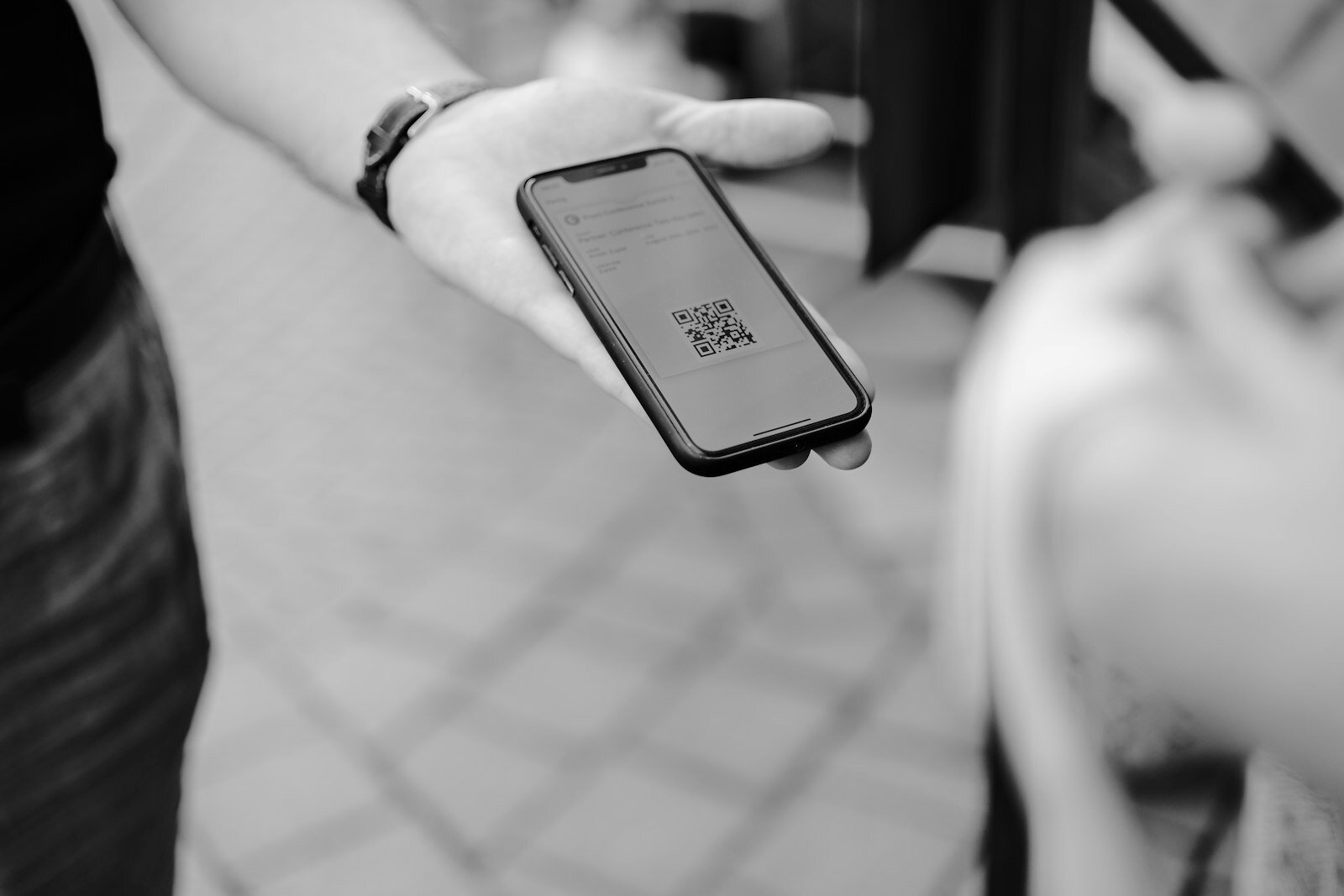
T he physical placement and presentation of a QR code tip jar has a material effect on how often customers use it. The code needs to be visible without requiring the customer to look for it, large enough to scan comfortably from a natural distance, and accompanied by brief, friendly text that explains what it is without being demanding. A small printed card reading "Enjoyed your visit? Tip the team" with a QR code below it is more effective than a code with no context, because it frames the action as optional and social rather than transactional and obligatory.
Position matters. At a café counter, placing the QR stand near the collection point — where customers wait for their drink — gives them something to look at and interact with during an idle moment. At a restaurant table, a small tent card or a code printed on the back of the printed menu can catch attention at the moment the customer is reflecting on their experience. In a hair salon, a code on the mirror in front of the client works well because the client is already looking in that direction. In a delivery context, a code printed on the delivery note or included in a follow-up text message extends the tipping window beyond the moment of handover, which matters because customers often form their final judgment of the experience after the worker has left.
Design quality signals trust. A blurry, low-resolution printout suggests that the underlying platform may be similarly unreliable. A clean, professionally printed card with the worker's or business's name, a clear code, and a short friendly message communicates that the mechanism has been thoughtfully set up and is safe to use. Workers who invest a small amount in a well-printed display often see better uptake than those who produce a quick printout from a home printer.
Individual Pages Versus Team Pages
One important distinction in the QR tip jar landscape is between individual and team (or crew) pages. An individual page belongs to a specific worker — when a customer scans it, the tip goes to that person alone. A team page accepts tips on behalf of a group and distributes them according to a predefined rule: equal split, proportional to hours worked, or some other agreed formula. Both models are valid, and the right choice depends on the context.
In a setting where customers interact meaningfully with a specific person — a hair stylist, a massage therapist, a personal trainer — an individual page makes sense. The customer's gratitude is directed at that person, and routing the tip through a team pool would feel incongruous to both parties. In a setting where service is collaborative — a restaurant floor team, a hotel housekeeping department, a bar — a team page is more appropriate, both because it reflects the collective nature of the work and because it avoids the awkward situation where customers tip the most visible worker whilst the kitchen staff and cleaning team receive nothing.
Tippidy's crew feature allows a team to share a single QR code and tip page whilst distributing income according to rules the team itself sets. When staff change — new starters join, others leave — the crew can be updated without printing new QR codes, because the URL remains constant and the membership behind it changes. This is a practical advantage over cash tipping, where a jar on the counter has no mechanism for equitable distribution at all.
Security and Trust Considerations
One concern that some customers raise, particularly those who are not habitual QR code users, is whether scanning a code and making a payment is safe. This is a reasonable question, and it deserves a direct answer. The security of a QR tip payment rests on the same foundations as any other card-not-present transaction: the payment processor handles the card data, the merchant (in this case the tipping platform) never sees raw card details, and the card networks provide chargeback rights if something goes wrong.
The specific risk of QR codes — that a malicious actor could replace a legitimate code with one pointing to a fraudulent page — is real in the abstract but rare in practice for tip payments, where the amounts are small and the opportunity for fraud is limited. Workers and businesses can reduce even this small risk by using a covered or encased display that cannot be easily tampered with, and by choosing a tipping platform whose page design is clearly branded and professional, making it easier for customers to recognise the legitimate destination.
Setting Up Your First QR Tip Jar
The practical steps are straightforward. After creating an account on a tipping platform like Tippidy, the worker completes a brief profile — name, optionally a photo, the bank account where they want to receive funds. The platform generates a personal URL and a QR code. The worker downloads or copies the QR code image and prints it, either at home or through an online printing service for a more polished finish. The code is then displayed at the point of work.
From there, the system handles everything else. Payments are processed automatically, funds are transferred to the worker's bank account according to the platform's payout schedule, and a record of each transaction is available in the worker's dashboard. There is no reconciliation to do at the end of the shift, no cash to count, and no need to chase the employer for a distribution. The simplicity is the point. A well-set-up QR tip jar requires virtually no ongoing maintenance and generates income passively, activated only when a customer chooses to use it.
The glass jar by the till never disappears entirely — there will always be customers who carry coins and prefer the directness of a physical deposit. But the QR code beside it ensures that the customers who don't carry cash, who may well be the majority on any given day, have an equally natural way to express their appreciation. In that sense, the QR tip jar is not a replacement for its glass predecessor. It's a long-overdue complement to it.
This article is part of our complete guide to digital tipping — learn how to get tipped by card, Apple Pay or Google Pay.
Comments (0)
Log in to leave a comment.
Related Posts


Start receiving digital tips today
Create your free Tippidy tip page, add it to Apple Wallet and Google Wallet, and let guests tip you in seconds with Apple Pay, Google Pay or any card — no app, instant payouts.
Works with Apple Wallet & Google Wallet · No monthly fees